Create Landing Pages for Campaigns & Conversions
Design fully customizable landing pages to enhance your business links. Combine layouts, visuals, and conditions to deliver personalized user experiences and increase engagement.
Your landing page also acts as the homepage for your branded domain , meaning users visiting your domain directly (e.g., yourdomain.com) will see this page as the main entry point.
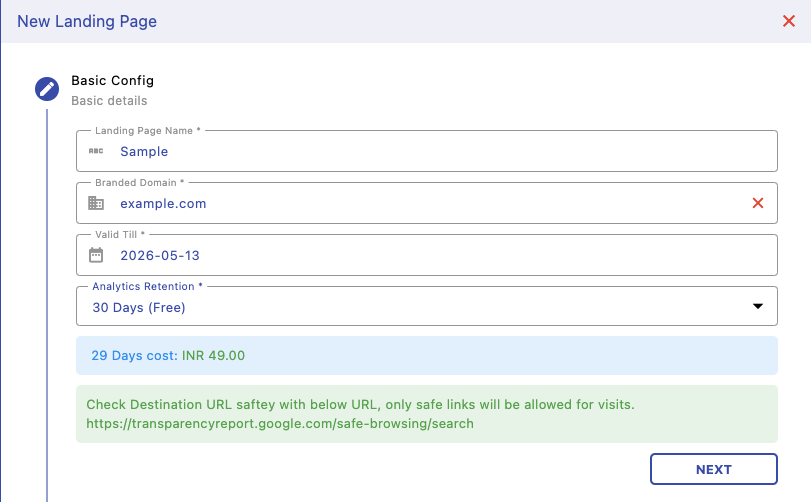
Basic Configuration
Set up basic details like landing page name, branded domain, validity period, and analytics retention. This defines where your page will be hosted and how long data will be stored. You can attach your custom domain to make links look more professional and trustworthy.
Layout Builder
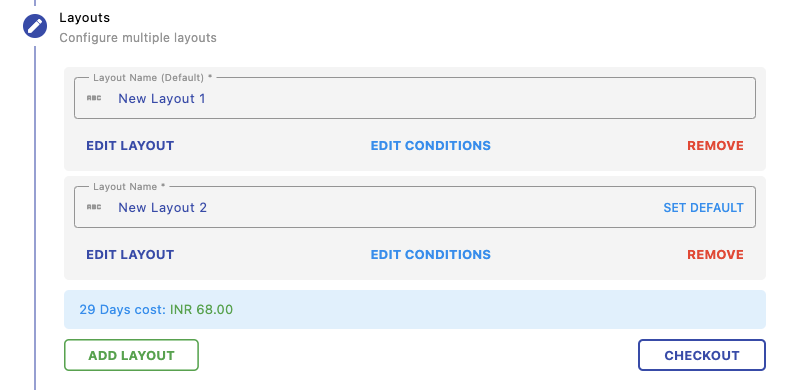
Create multiple layouts for your landing page. Each layout can have different content and can be set as default or condition-based. This allows you to dynamically show different designs to different users.
Design Page
Use the visual designer to build your landing page. Add components like text, images, buttons, cards, social links, and more. This gives you full control over how your page looks and feels without needing any coding.

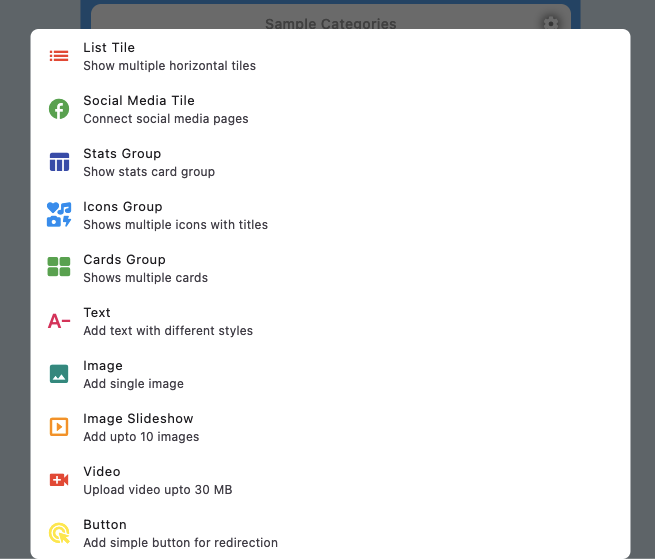
Add Components
Choose from multiple content blocks like lists, social media links, stats, icons, images, videos, and buttons. These building blocks help you create rich, interactive landing pages tailored to your use case.
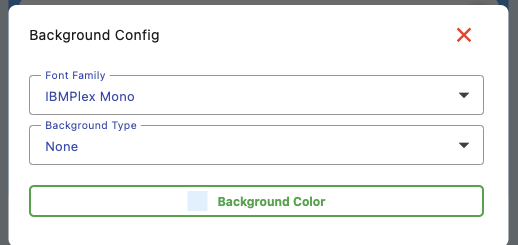
Styling & Background
Customize fonts, colors, and backgrounds to match your brand identity. You can control typography and visual appearance to ensure a consistent and professional design across all pages.
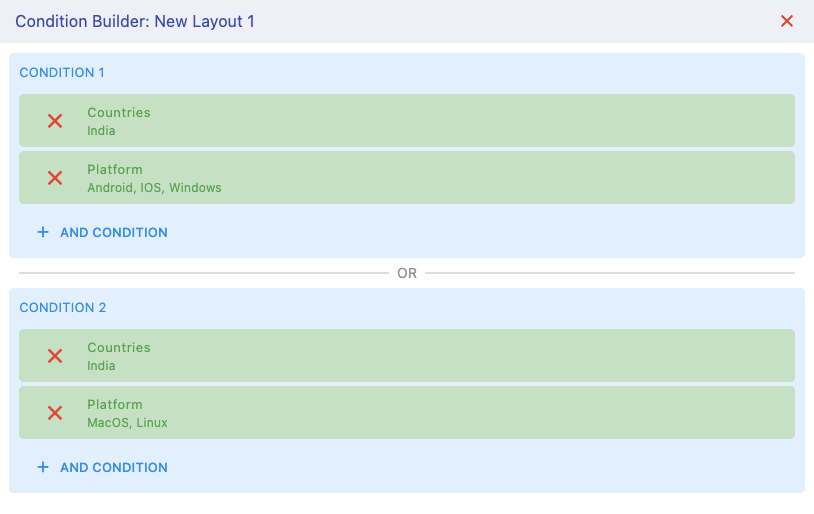
Conditional Layouts
Define rules to show different layouts based on user conditions like country, platform, or device. This enables powerful personalization — showing the right content to the right audience automatically.