Create IP Intelligence API Project & Setup Configuration
Set up an IP Intelligence API project to analyze IP addresses in real-time. Detect proxy usage, TOR nodes, geo location, and risk signals with configurable rate limits and scalable plans.
Try IP Intelligence Demo →Project Setup
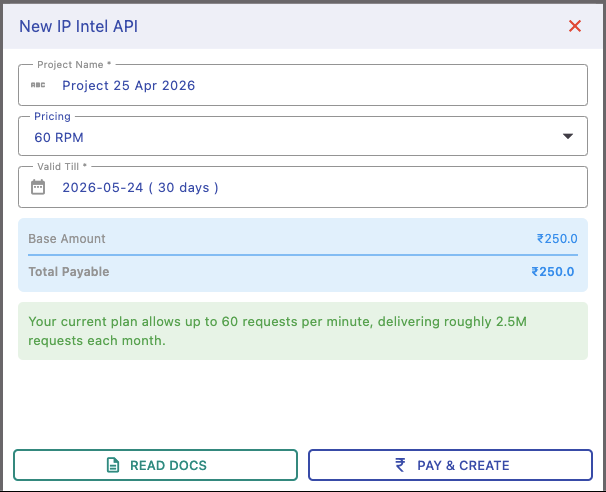
Create your IP Intelligence project by assigning a name, selecting a pricing plan, and setting validity duration.
This defines how long your API remains active and how much traffic it can handle.
Pricing & Rate Limits
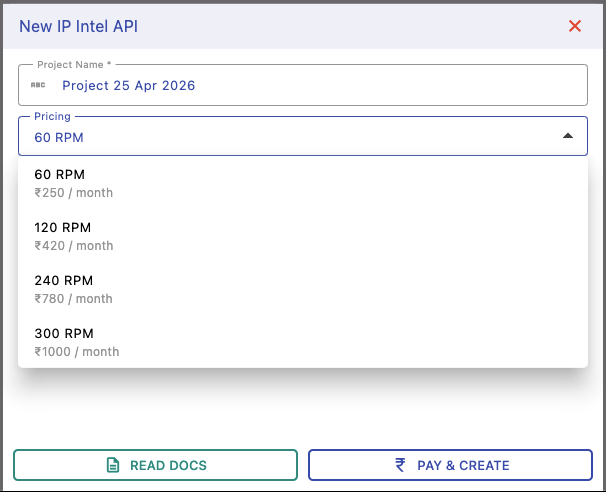
Choose a plan based on requests per minute (RPM). Higher RPM supports more concurrent IP lookups.
Example: 60 RPM supports moderate traffic, while higher plans handle large-scale fraud detection systems.
Project Details & Usage
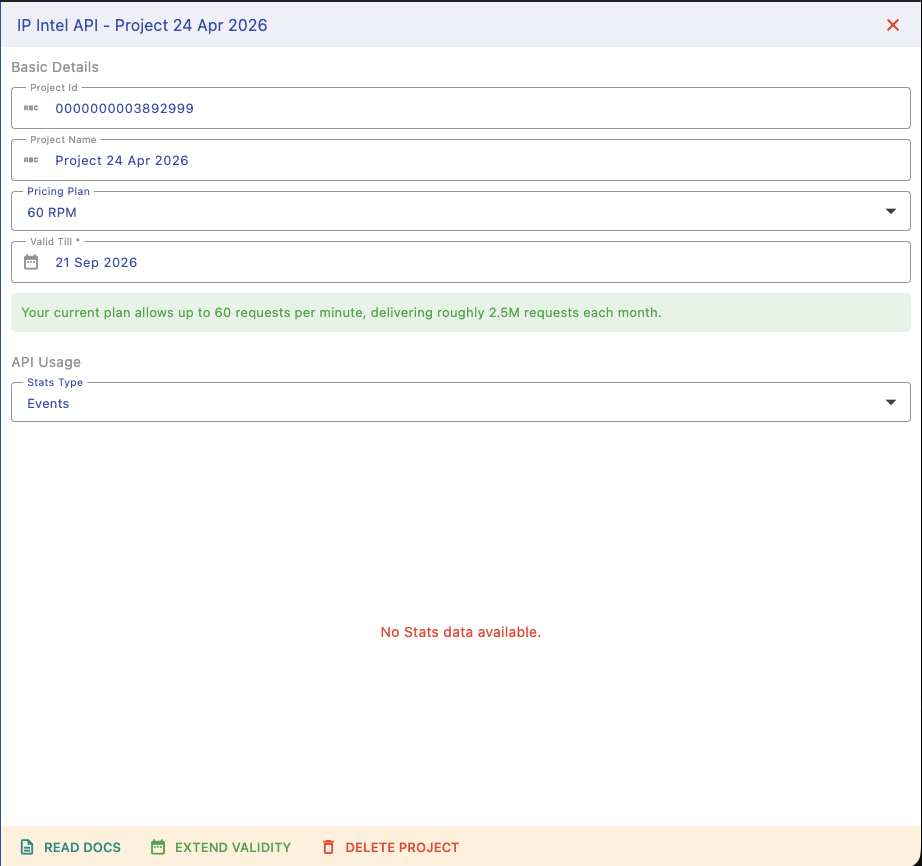
Access your dashboard to view API keys, plan details, and usage statistics.
Monitor IP queries, success rates, and risk detection metrics to optimize your system.
Next Steps
Start using and managing your IP Intelligence API: